I Built a Website Using Only Free AI Tools — Here's What Worked and What Didn't
By Ashirbad ••Tech & AI• 103 views
Advertisement
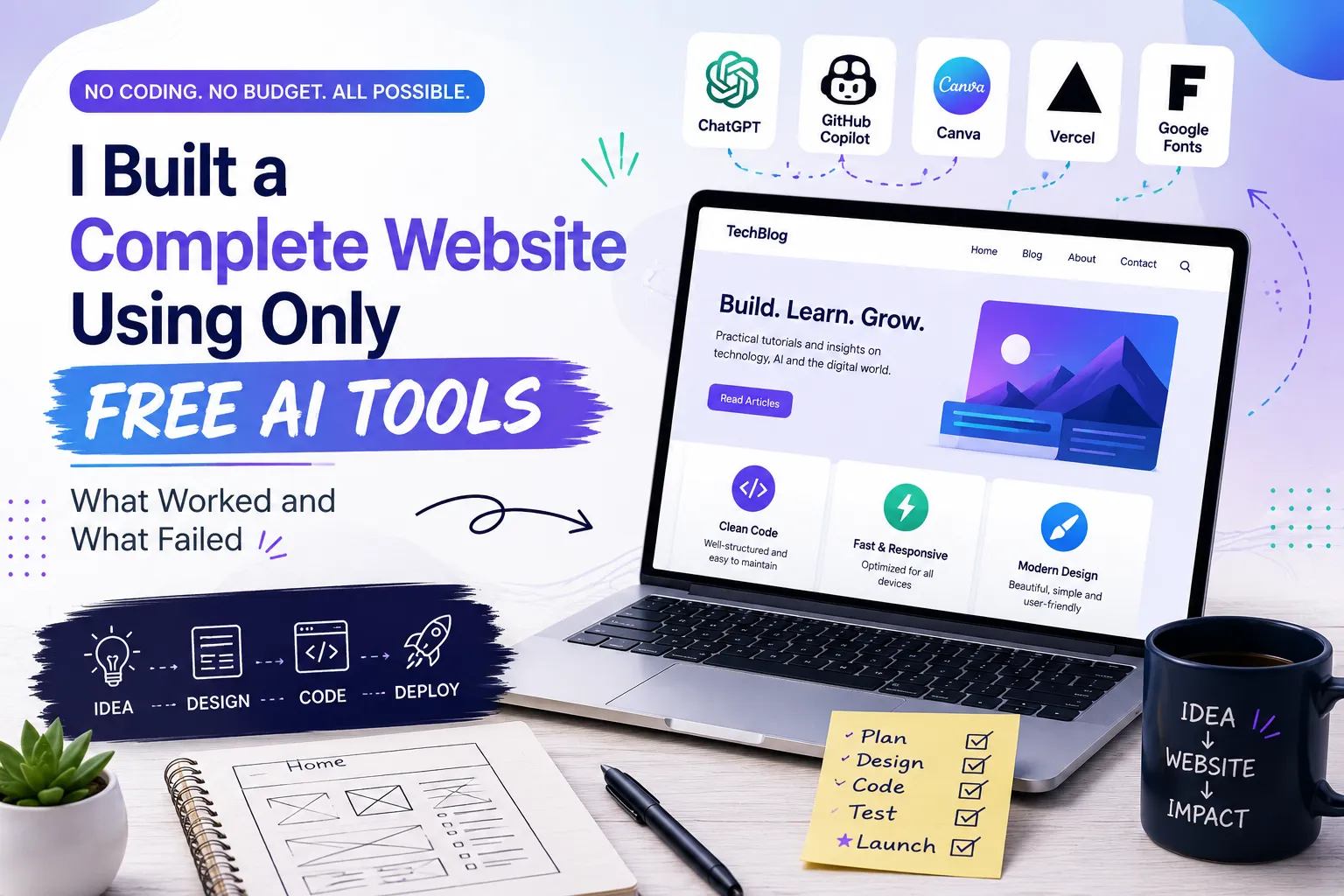
I Built a Website Using Only Free AI Tools — Here's What Worked and What Didn't
Building a website used to feel like a job only for developers. You needed to know HTML, CSS, JavaScript, hosting, domains, and design — maybe even databases too.
Today, AI has changed a lot of that.
You can now describe what you want in plain words and get help with layouts, code, fixing errors, writing content, and even the design itself. So a simple question kept coming up as I looked into this:
Can you really build a useful website using AI for free?
I decided to test it myself.
Instead of just trying one free AI website builder, I looked at the whole process — planning, coding, writing, testing, and publishing. I wanted to see where AI genuinely saves time, where it still needs a human, and where the promise of "build a website for free using AI" starts to fall apart.
The result wasn't fully automatic. Some parts were shockingly easy. Other parts still took patience and real work.
What Does "Using AI to Build a Website" Actually Mean?
When people search for using AI to build a website, a lot of them picture typing one sentence and getting a finished site back.
In real life, AI can help with several different pieces of the job:
- Planning the website
- Creating the page structure
- Writing HTML and CSS
- Generating JavaScript
- Coming up with content ideas
- Designing layouts
- Finding and fixing errors in code
- Making the site work well on mobile
- Writing SEO titles and descriptions
- Creating images and visual ideas
- Explaining technical problems in plain language
The human still has to decide what the website is actually for. That was one of the biggest lessons from this whole test.
There are also two very different paths here, and it's worth knowing which one you're on:
- Coding path — you use an AI chatbot to write real HTML, CSS, and JavaScript, and you (or a host) publish the files yourself.
- Builder path — you use a dedicated free AI website builder like Wix AI, Framer, Durable, or Hostinger's AI builder, where AI generates the whole site visually and hosting is built in.
Both count as "AI making websites." They just fit different people. I tried both.
Step 1: I Started With the Website Idea, Not the Tool
The first mistake is opening any AI tool and just typing:
"Make me a website."
A much better approach is to explain the project first. Something like:
Build a simple technology blog for beginners. It needs a homepage, article pages, category navigation, search, an About page, and a Contact page. Keep the design clean, fast, and mobile-friendly.
The more detail you give it, the better the first result turns out.
This is where a general chatbot like ChatGPT is genuinely useful — for planning the site and writing the first version of the code. One thing worth knowing if you've used ChatGPT before: the old Canvas tool for editing code side-by-side was folded into the regular chat experience in a recent update, so coding and writing now happen right inside the conversation instead of a separate panel. The functionality didn't go away — it just moved.
The lesson from step one was simple:
AI works a lot better when you give it a clear brief first.
Step 2: I Asked AI to Build the Basic Structure
Once I had a clear idea, I asked AI to lay out the site structure. A simple website might look like this:
Home
├── About
├── Blog
│   ├── Technology
│   ├── AI
│   └── Tutorials
├── Contact
└── Individual Articles
AI can turn that into a starting HTML and CSS structure right away.
If you've never coded before, that's a real head start. You don't need to understand every line immediately. You can just ask:
"Explain this part in simple words."
Or:
"Make the navigation menu mobile-friendly."
Or:
"Change the background color without touching anything else."
That back-and-forth is what makes this feel less like coding and more like a conversation.
Step 3: AI Was Surprisingly Good at Writing Code
This was one of the strongest parts of the whole test.
AI can generate a working website fast. It handled:
- Navigation menus
- Hero sections
- Cards
- Buttons
- Forms
- Footers
- Responsive layouts
- Article templates
- Simple animations
If you want a free AI coding tool built specifically for developers rather than a general chatbot, GitHub Copilot is worth knowing about. Its free plan gives individual developers 2,000 code completions and 50 chat requests a month, right inside your code editor. Verified students get a separate, more generous Copilot Student plan at no cost.
But here's the catch:
Generated code looking right isn't the same as it being good.
A page could look fine and still have:
- Extra, unused code
- Repeated styles
- Poor behavior on mobile
- Accessibility problems
- Broken links
- JavaScript errors
So don't treat the first AI output as the finished product. Treat it as a strong first draft.
Step 4: The Big Problem — AI Doesn't Know What You Actually Want
This was probably the single biggest lesson from the whole experiment.
I could ask:
"Make the website look professional."
But what does "professional" even mean? A developer pictures one thing. A blogger pictures another. A small business owner probably pictures something else entirely.
Describing the design in specific terms worked much better:
Use a white background, dark text, rounded cards, a simple blue accent color, a wide article area, and a mobile-first layout. Keep it clean, no heavy animations.
The result was much closer to what I actually had in mind.
So if you're learning how to build a website using AI, remember this one rule:
Clearer instructions get you better results. Every time.
Step 5: Writing Website Content With AI
AI is also genuinely useful for content — things like:
- Article outlines
- FAQs
- Product descriptions
- Meta descriptions
- Headlines
- Intro ideas
- Social media captions
But this is where I'd be careful. If you ask AI to write fifty articles and publish them without reading them first, you'll end up with content that all sounds the same and says very little.
For a real website, treat AI as an assistant, not a publishing machine. The workflow that actually works looks like this:
Research → your own idea → AI helps draft it → you edit it → you fact-check it → publish
That produces something worth reading. Just copying the first AI response doesn't.
Step 6: Can You Build a Website Using AI for Free?
Yes — but "free" needs a bit of explaining.
You can absolutely use free AI tools to write code, generate ideas, draft content, and help with design. There are also dedicated free AI website builders — Wix AI, Framer, Durable, Hostinger's AI builder, SITE123, and GoDaddy's Airo are the ones that came up most often when I compared free tiers. Most of them can turn a short prompt into a working site in under five minutes, complete with basic hosting.
That said, a complete, professional website can still come with real costs down the line, like:
- A custom domain name
- Better hosting once you outgrow the free tier
- Premium themes or templates
- Paid plugins
- Email services
- Stock images
- More advanced AI features
So when a tool says "create a website using AI for free," it usually means the website creation part costs nothing — not that everything about running the site will always be free. Free builder plans also commonly come with the platform's branding on your site and a subdomain URL (like yoursite.wixsite.com) instead of your own domain, until you upgrade.
Step 7: AI Helped Me Fix Problems Much Faster
This is where AI genuinely saved time.
Instead of digging through forums to figure out what an error message meant, I could just paste it into an AI assistant and ask:
"Explain why this error is happening and show me how to fix it."
It would explain the problem and suggest a fix, right there.
That doesn't mean every suggestion was correct — some weren't. But it cut down the time I spent hunting through documentation by a lot. For anyone just starting out, this might be the single biggest benefit of AI making websites: having something that explains technical problems in plain language while you're still stuck on them.
Step 8: Testing the Website Was Still My Job
This is where the idea of a fully automatic website starts to fall apart.
AI can build a page. Someone still has to check it works.
Here's what I tested manually, every time:
On desktop:
- Does the navigation work?
- Are buttons visible and clickable?
- Do images load and display correctly?
- Is the text actually easy to read?
On mobile:
- Does the menu work?
- Are buttons big enough to tap?
- Does the content fit the screen properly?
- Are tables readable, or do they break?
On performance:
- Are the images too large?
- Is unnecessary JavaScript loading and slowing things down?
- How long does the page take to load?
On SEO:
- Does every important page have a useful title?
- Are the headings organized properly?
- Do all the links actually work?
- Can search engines find and read the pages?
AI can't remove this step. A website still needs a human to test it.
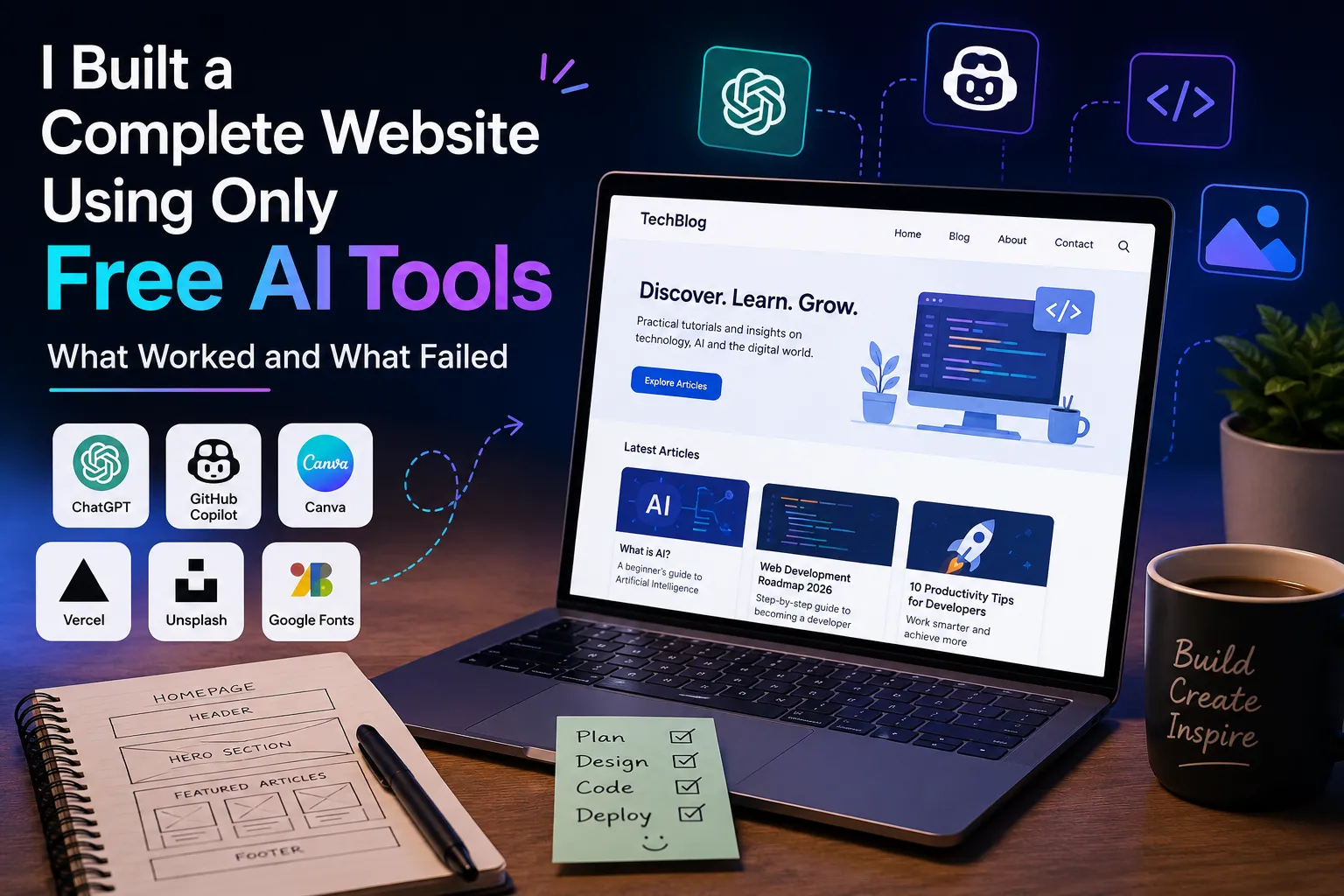
What Worked Well
After using AI through the whole process, a few things clearly stood out.
1. Planning got a lot easier. Instead of staring at a blank page, I could ask AI to suggest a structure to start from.
2. Coding got faster. Basic HTML, CSS, and JavaScript could be generated in seconds instead of written by hand.
3. Errors got easier to understand. AI explained technical problems in language a beginner could follow.
4. Design ideas got easier to explore. I could ask for different layouts and compare them side by side.
5. Small changes got much faster. Instead of rewriting a whole section, I could just describe the change I wanted.
These are real, practical advantages — not hype.
What Failed
AI wasn't perfect, and it's worth being honest about where it fell short.
1. The first design was rarely the final one. It almost always needed several rounds of changes.
2. AI sometimes misread instructions. A small requested change occasionally broke something unrelated.
3. Generated code needed checking, every time. Something could look fine on the surface and still be badly structured underneath.
4. Content still needed a human editor. AI can write grammatically correct text that says nothing new or useful — that's on you to catch.
5. "One-click website" is an exaggeration. AI speeds things up a lot. It doesn't remove the need for decisions, testing, or ongoing maintenance.
ChatGPT Website Builder: Is It Actually Enough?
If you're searching for a ChatGPT website builder, it helps to know there isn't one single button that does everything. ChatGPT can help with several different pieces:
- Planning the site
- Generating code
- Explaining code
- Debugging problems
- Improving content
- Sketching out layouts
- Working through revisions with you
OpenAI's newer Codex tools go a step further and can build, deploy, and host complete web apps from a prompt — but that specific feature is currently limited to business and enterprise accounts, not the free or personal plans most people use. For everyday, free use, ChatGPT is best treated as a very capable coding and planning partner, not a one-click site generator.
The best results I got came from treating AI like a developer working alongside me, not for me. I made the decisions. AI helped me execute them faster.
How to Build a Website Using AI for Free: My Simple Process
If you're a beginner and want to try this yourself, here's the process I'd actually recommend.
1. Decide what the website does. Don't start with colors or animations — start with the purpose.
2. Write out the structure. List your pages and the key features you need.
3. Ask AI to build the first version. Keep it simple at first.
4. Test it. Open it on both desktop and mobile before doing anything else.
5. Ask AI to fix specific problems. Don't ask it to rewrite the whole thing every time something's off.
6. Improve the design. Adjust colors, spacing, fonts, and layout once the structure is solid.
7. Add your own content. This part matters — your website needs to say something useful.
8. Check SEO and accessibility. Make sure both search engines and real people can actually use it.
9. Test again. Check every link, form, menu, and mobile screen one more time.
10. Publish. Only after everything above has actually been checked.
The Best Free AI Tools for Website Development
You don't need twenty different tools. A small, well-matched set is enough.
A general AI assistant — for planning, explaining things, generating content ideas, and writing the first version of your code. ChatGPT or Gemini both work well here.
An AI coding assistant — useful once you're working inside a real code editor. GitHub Copilot's free individual tier covers a reasonable amount of everyday use.
A dedicated free AI website builder — if you'd rather skip hand-coding entirely, tools like Wix AI, Framer, or Durable can generate and host a full site from a text prompt, with a free tier to start.
An AI design assistant — for generating layout ideas, graphics, and visual concepts. Canva's AI features are a solid free starting point here.
An AI research assistant — for gathering ideas and understanding tools or technologies you're not familiar with yet.
What matters isn't how many tools you're using. It's how well they fit together.
FAQ: Building a Website With AI
Can you build a website using AI for free?
Yes. You can use a free chatbot like ChatGPT or Gemini to write the code, plus a dedicated free AI website builder like Wix AI, Framer, or Durable to generate and host the site. The building part can genuinely cost nothing — a custom domain or extra storage later on usually isn't free.
What is the best free AI website builder?
There isn't one single "best" — it depends on what you need. Wix AI has the most AI tools on its free plan. Framer gives the best-looking designs for portfolios. Durable is the fastest for a simple business site. Try two or three with the same prompt and compare the results yourself.
Can ChatGPT build a website for me?
ChatGPT can plan your site, write the HTML, CSS, and JavaScript, and fix errors as you go — but on the free plan, it won't deploy or host the finished site for you. For that, you'd either publish the code yourself through a host, or use a dedicated AI website builder instead.
Do I need to know how to code to build a website with AI?
No, not to get started. AI can write the code for you and explain it in plain language. But you'll get a much better result if you can read the code well enough to describe what's wrong when something breaks.
Is a website built with free AI tools good enough to actually use?
For a simple blog, portfolio, or landing page, yes. For a large business site with a lot of custom features, AI is still a strong starting point, but you'll likely need more testing, more custom code, and possibly a developer's help to finish it properly.
How long does it take to build a website using AI?
A basic site with a builder like Durable or Wix AI can be generated in under five minutes. Getting it to actually look and work the way you want — testing it, fixing it, adding real content — usually takes a few hours to a few days, depending on how detailed the site needs to be.
Is it really free, or does it become paid later?
The AI tools themselves are usually free to start. Most free AI website builders add the platform's branding and a subdomain URL (like yoursite.wixsite.com) on the free tier, and charge once you want a custom domain, more storage, or the branding removed. Read the free plan's limits before you build around it.
My Final Verdict
So — can you build a website using AI?
Absolutely.
Can you build a website with free AI tools?
Yes, especially for a simple blog, portfolio, landing page, or small project.
Can you build a full, professional website without understanding anything about how websites work?
Not reliably. Not yet.
That was the biggest takeaway from this whole experiment. AI writes code fast. It explains errors clearly, suggests solid designs, and helps with content. Newer AI tools are even starting to handle bigger chunks of a project on their own.
But the person building the site still has to make the real decisions. You still need to know:
What are you building? Who is it for? What should it actually do? Does it really work — on every screen? Is the content actually useful? Is it safe and accessible for everyone who visits?
AI can help you answer a lot of those questions. It can't replace your judgment on any of them.
The real value of AI in web development isn't that it removes the need to learn. It's that it makes learning — and building — a lot faster.
If you've got an idea for a website and have never written a line of code, AI can hand you a starting point that used to take weeks to reach on your own.
Just don't make the mistake of thinking the first AI-generated version is the finished website.
Use AI to build faster. Use your own judgment to build better.